Old Windows XP Application
Context
To check if the calculations are correct for the scan project's areas, compiled the old Windows XP application.
It is run using the Borland C++ Builder 5 application source.
Complete Project
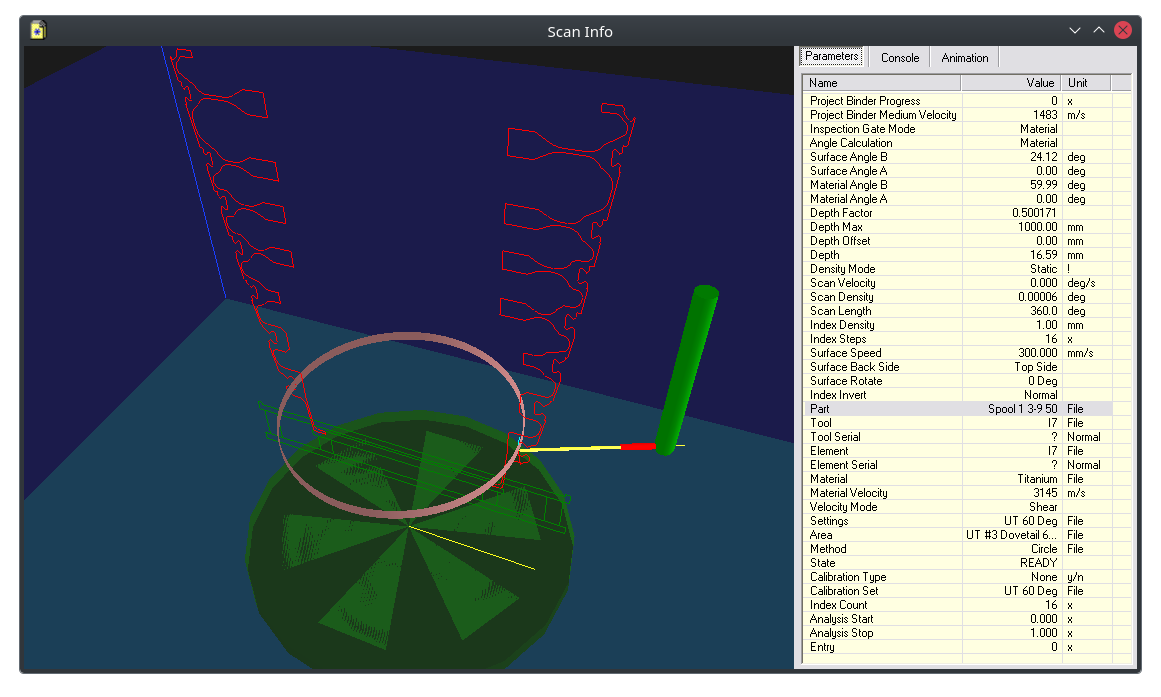
The ultrasonic inspection project "UT AK5.971" on "Spool 1 3-9 50" seems complete and is used for comparison.
Scan Project Properties
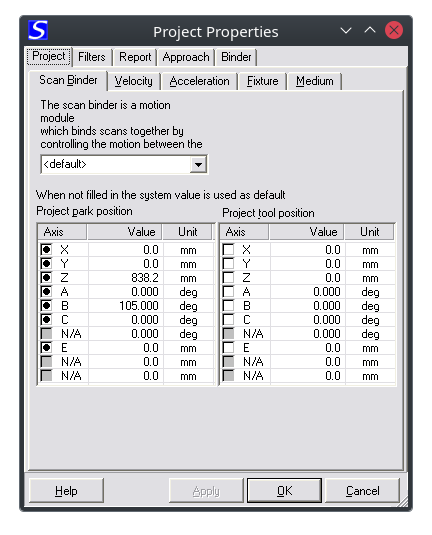
Property Page: Scan Binder
Configures the park position and tool positions for the project.
The tool position is where the operator is able to switch tools like a mirror attachment.
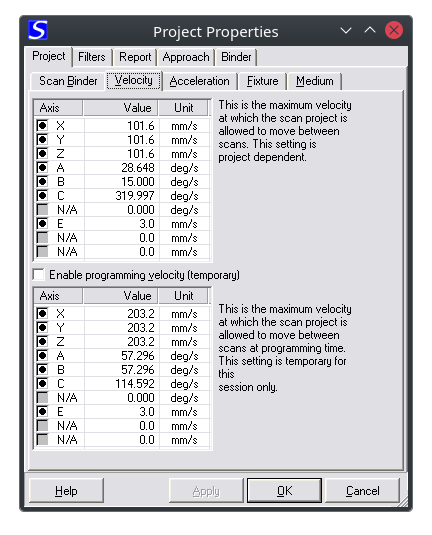
Property Page: Velocity
Configures the velocity for moving to designated project positions in between scan areas.
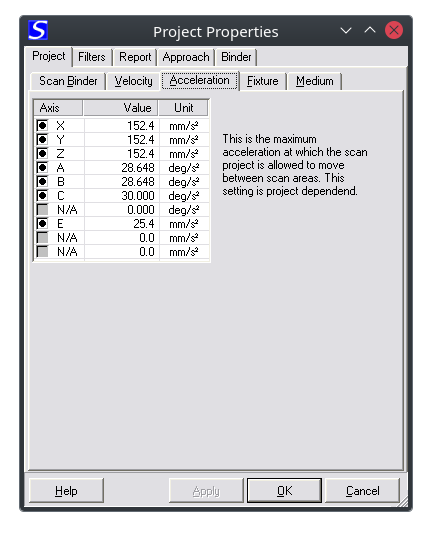
Property Page: Acceleration
Configures the acceleration for moving to designated project positions in between scan areas.
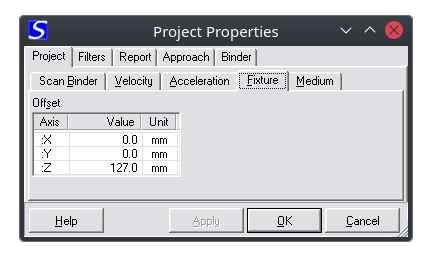
Property Page: Fixture
Configures the offset created by the used fixture.
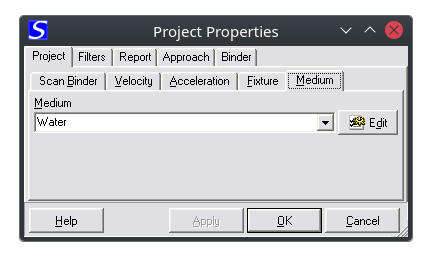
Property Page: Medium
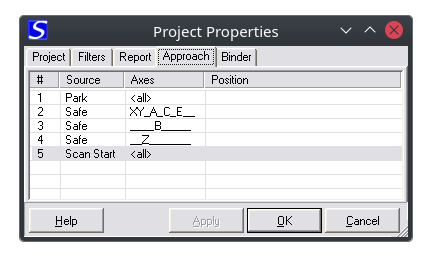
Property Page: Approach
Configures the approach from park to the scan start position.
This configuration allows for minimal movement between scan areas by only reversing to
a common position between the scan areas.
Scan Area Properties
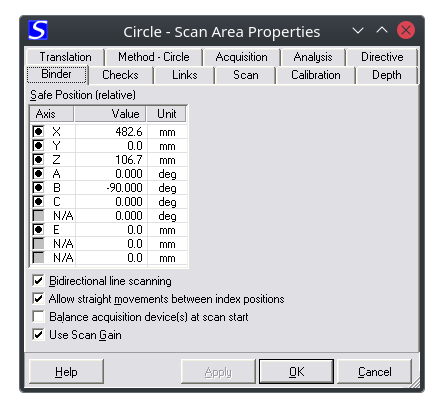
Property Page: Scan Binder
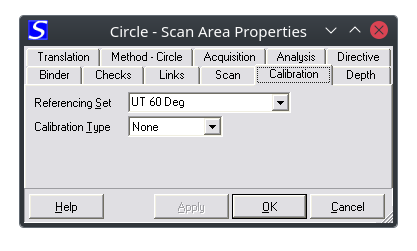
Property Page: Calibration
This page controls whether the scan is a calibration scan or not.
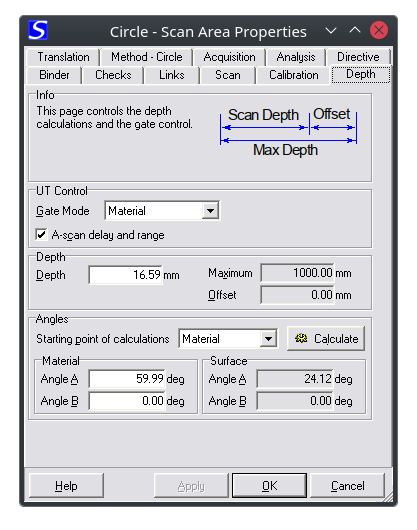
Property Page: Depth
This page controls the depth and angle calculations for ultrasonic calculations.
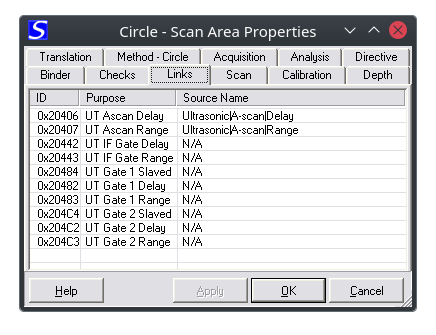
Property Page: Variable Links
This page controls the links for controlling the UT device's settings.
Depending on the implementation for driving the UT device id's can change and so those are assignable.
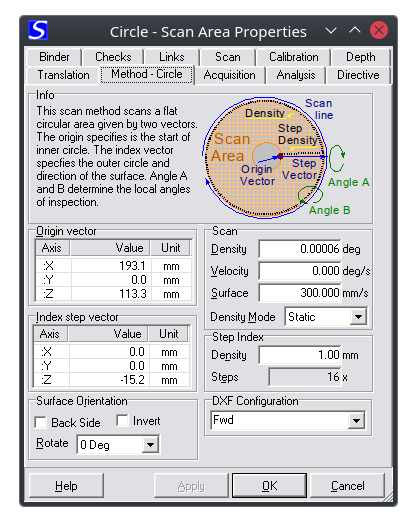
Property Page: Scan Method (Circle)
Configuration of the scan area, which is a circle.
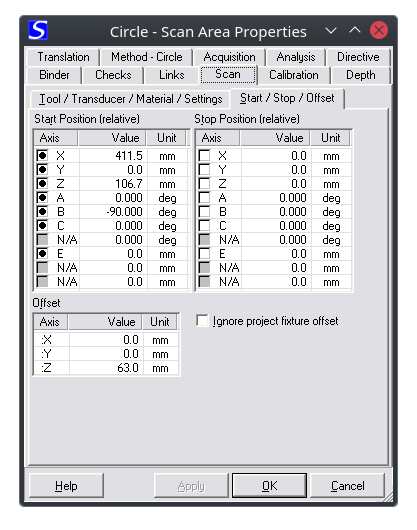
Property Page: Start, Stop
Configuration of the start and stop positions and also the offset for this scan area.
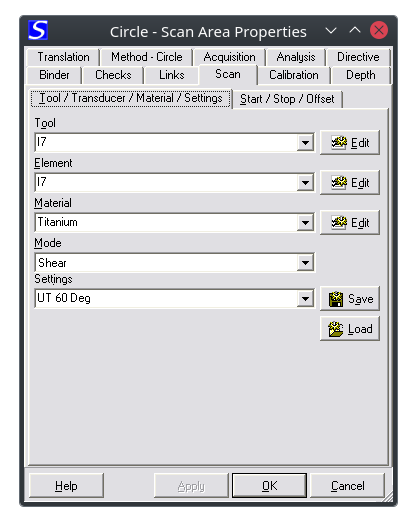
Property Page: Transducer, Tool, Material & Mode
Selection of the transducer, tool, material and wave mode (shear, longitudinal).
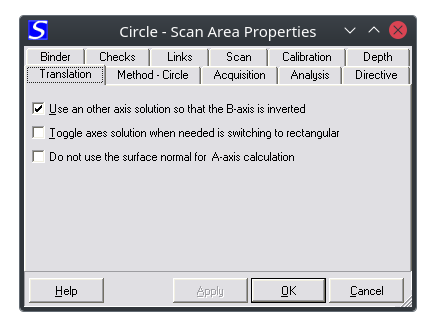
Property Page: Translation Directives
The calculation for Nipscan axes positioning could need some direction for selecting the right solution since in many cases the gimbal and swivel angles can have two solutions.